Conduct an SEO Audit
# Conduct an SEO Audit
Project Template Make a copy of the Google Doc Template and complete each section. Once you've completed your project be sure to save your document your desktop. You will need to convert your answers into a pdf for submission (more instructions below).
Search Engine Optimization is a foundational strategy to any marketing plan, and the primary way to drive traffic to your site. Take a look at the DMND website: dmnd.udacity.com or your company’s website and answer the following questions in your submission presentation.
Part 1: On-Site SEO
Exercise 1
Content Audit: Keywords
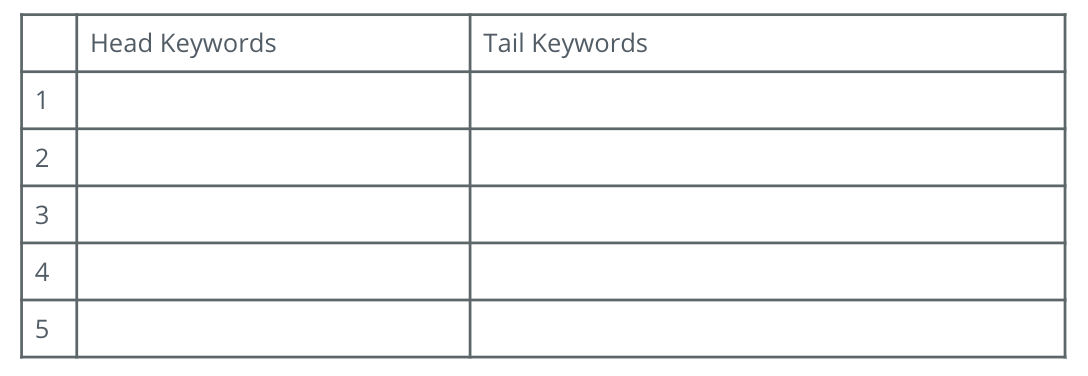
- Using Moz Keyword Explorer tool, identify the Keywords you might target to drive users to this page. Be sure to use a mix of branded and non-branded Keywords.
- Which Head Keyword has the greatest potential?
- Which Tail Keyword has the greatest potential?
- Write three Blog topics that incorporate the highest potential Keywords. Include a short summary (150 - 300 word max) as to why you chose those Keyword topics and what you might write about.
Exercise 2
Technical Audit: Metadata
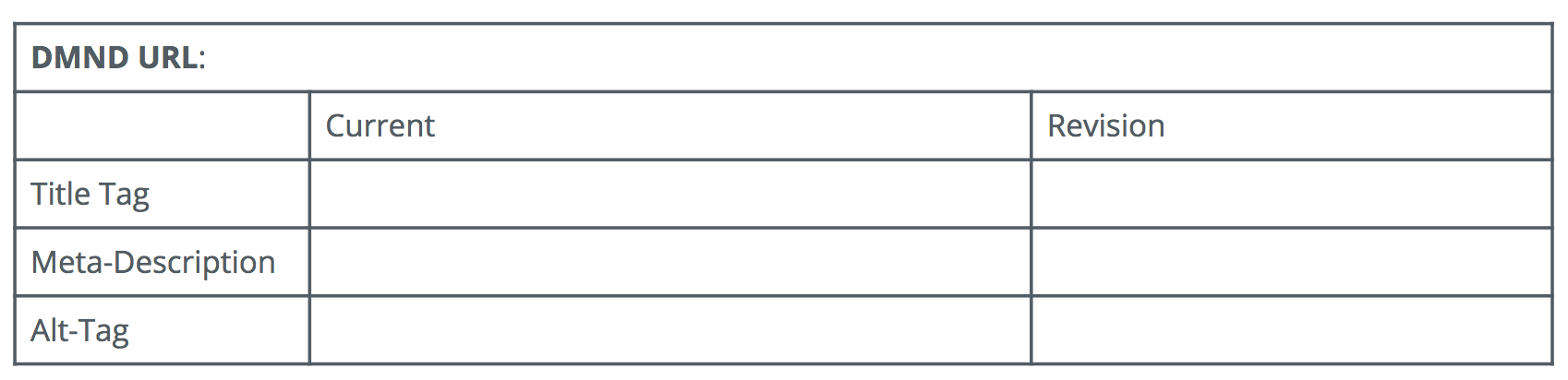
Perform a technical audit on the metadata. Create a table, like below, to enter the current metadata for the page you choose and your proposed revisions.
Part 2: Off-Site SEO
Exercise 1
Technical Audit: Backlink Audit
Using the Moz OpenSite Explorer tool, perform a backlink audit on the webpage you have chosen.
NOTE: Since dmnd.udacity.com is a new site, perform this exercise on Udacity.com.
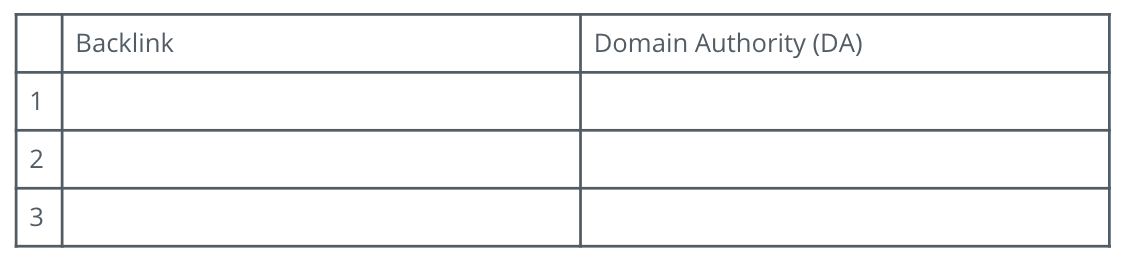
List three of the top backlink URLs you discovered for the website. These backlinks should add value to the website and not be spam.
Exercise 2
Link-Building: Exercise
Using the SEMRush tool and research, strategize a link-building campaign.
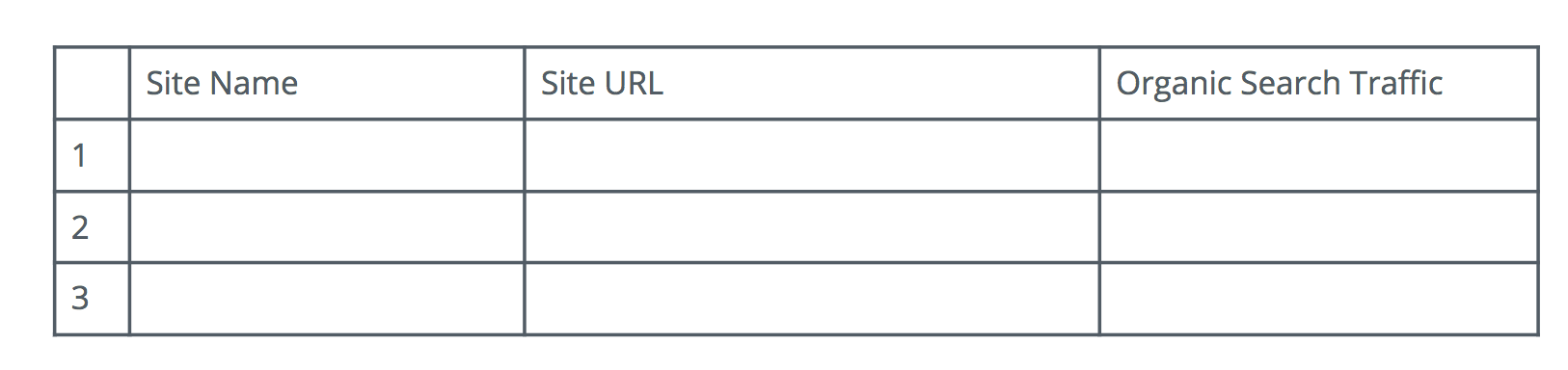
Identify three websites that you think would be relevant, high traffic sites that you would like to gain backlinks from to help drive traffic to dmnd.udacity.com.
Part 3: Performance Testing
Site Performance Audit: Performance Tests
For each of the following performance tests, please take a screenshot of your results and add your screenshot to your submission presentation along with a short explanation why each is important.
- Using the Pingler Google Indexed Pages Checker tool, research how many of DMND’s website pages are indexed by Google. Explain why the number of pages indexed is important.
- Using the Google Page Speed Insights tool, perform a speed test of dmnd.udacity.com’s mobile presence. Explain why evaluating the Page Speed is important.
- Using the Think with Google tool, assess the mobile-friendliness of the dmnd.udacity.com website. Explain why having a mobile-optimized is important.
Part 4: Final Recommendations
- Now take a moment to evaluate your findings and provide at least three recommendations you would make to DMND to improve their website from an SEO perspective. (250 - 500 word max)
Submission
Finally, be sure to convert your document into a PDF and submit it below. It's straightforward to convert a Microsoft Word document into a pdf on a PC or Mac. If you used a Google Doc, in Google Docs, simply click on File >> Download as…>> and choose pdf.
Rubric
You can reference this project's rubric to review what your submission should include.